
Create Economy
Create Economy Frontier 3.0
Have you ever wanted to build a factory and sell things like on the Just Create SMP? Now you can. This is a long-term server built around the Create mod. Explore, set up factories, and sell what you make to earn money.
Mine Cog Ore to get Cog Scrap (4 per ore), then sell it at the Scrap Shop in spawn: 1 Cog Scrap = 1 cog (the server currency), and bigger stacks pay a bonus (64 scrap = 70 cogs). You can also open your own shops and build games, then charge people to use them or buy from them.
——————————
How to Join
- Install the modpack. Get it from CurseForge: https://www.curseforge.com/minecraft/modpacks/create-economy-frontier-3-0
Or download the Create Economy Launcher (Windows, Mac, Linux) from https://create-economy.net. It installs the pack and keeps the server's custom mods up to date. - Get whitelisted. Sign up at https://create-economy.net, or add yourself on our Discord in the Ticket channel: https://discord.gg/nMjPey4Wny
- Launch and join. Server address: play.create-economy.net
- Vote with /vote to start earning ranks.
——————————
Worlds
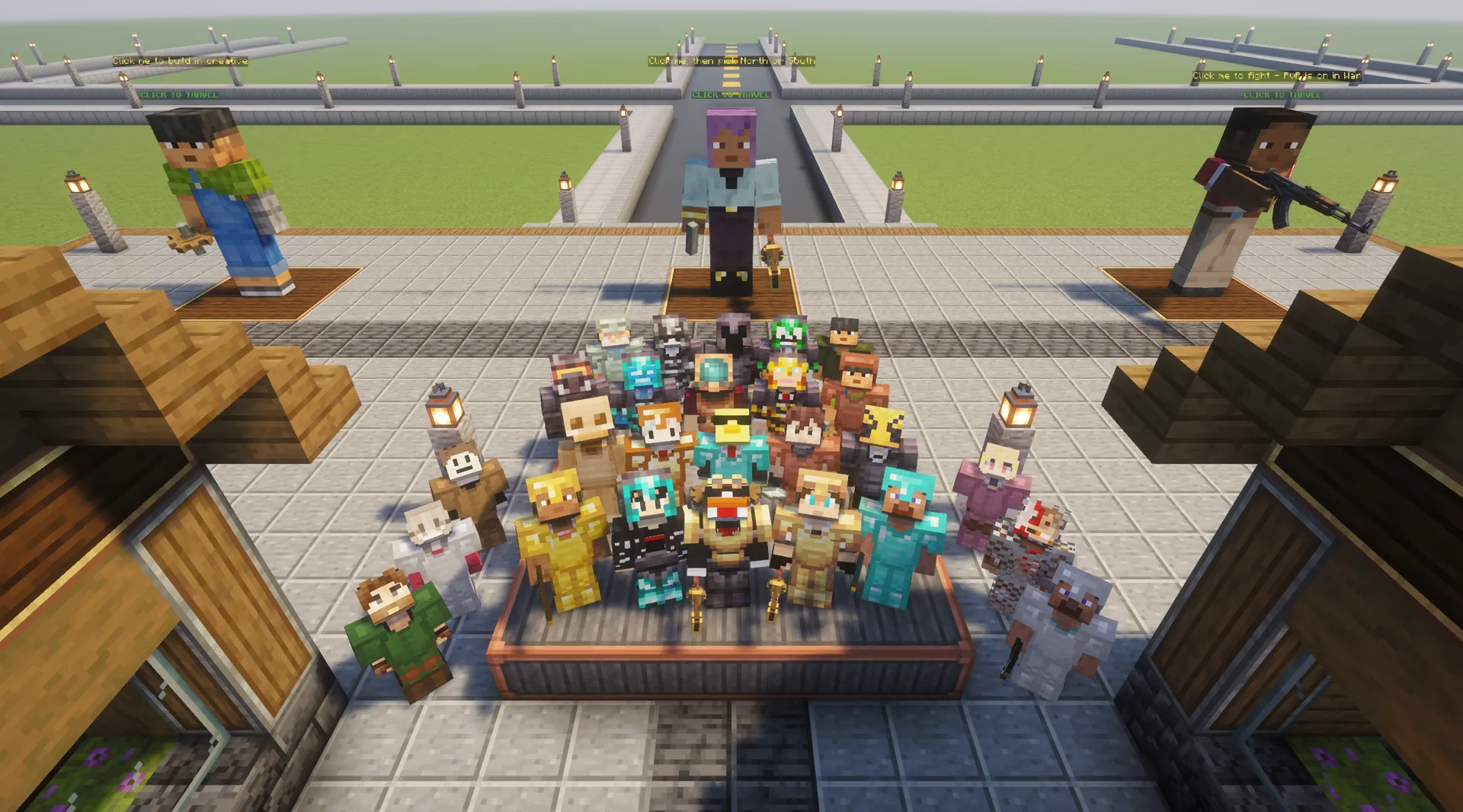
• Shop: the spawn hub and shopping district. It's peaceful, with no mobs and no PvP. Buy a plot here and open your own shop.
• North / South: survival worlds for building bases and factories, each 10,000 blocks out from spawn. Please spread out between them, since each world runs on its own CPU core and that keeps the server smooth.
• War: the PvP world. Nametags are hidden there.
• Lab: a creative world for testing builds and contraptions, with WorldEdit for everyone.
——————————
Vote Ranks
• Vote for the server to earn ranks: Apprentice, Tinkerer, Mechanic, Technician, Engineer, Inventor, Architect, Industrialist
• Ranks are permanent and give more homes, more claim chunks, a bigger WorldEdit limit in the Lab, cosmetics, and rewards when you rank up
• Higher ranks can fly in the Shop and upload their own capes, skins and wings
——————————
Server Info
• Version: 1.21.1 NeoForge, 221 mods
• Region: US Southeast
• Long-term, self-hosted server
• Website: https://create-economy.net
• BlueMap (world map): http://map.create-economy.net:18100/
• Discord (Minecraft chat + whitelist): https://discord.gg/nMjPey4Wny
——————————
Commands
• /tp: opens the travel menu (Shop, Lab, North, South, War)
• /buychunk: buy the Shop plot you're standing in (costs 1 Shop Expansion Token; new players get 5)
• /home or /homes: opens your homes menu (vote ranks give more homes)
• /tpa: request to teleport to another player
• /vote: vote links and your progress
• /ranks: see all ranks and their perks
• /cosmetics: pick your hats, capes and wings
——————————
The server is already in the modpack's multiplayer list.
Modpack: https://www.curseforge.com/minecraft/modpacks/create-economy-frontier-3-0
Gallery
How to Join
How to Join
- Install the modpack. Get it from CurseForge: https://www.curseforge.com/minecraft/modpacks/create-economy-frontier-3-0
Or download the Create Economy Launcher (Windows, Mac, Linux) from https://create-economy.net. It installs the pack and keeps the server's custom mods up to date. - Get whitelisted. Sign up at https://create-economy.net, or add yourself on our Discord in the Ticket channel: https://discord.gg/nMjPey4Wny
- Launch and join. Server address: play.create-economy.net
- Vote with /vote to start earning ranks.
play.create-economy.net
Modpack Downloads
Frequently Asked Questions
How are servers ranked and sorted?
By default, servers are sorted by vote count. You can change the sort order with the filters in the sidebar:
- Votes: Servers with the most votes in the last 30 days appear first. Tied servers are ranked by online player count.
- Players: Servers with the most online players appear first.
- Newest: Most recently added servers appear first.
- Name: Alphabetical order.
How does voting work?
Voting uses the Votifier protocol to deliver your vote directly to the Minecraft server. When you vote:
- You enter your Minecraft username.
- We verify the username exists through the Mojang API.
- Your vote is sent to the server via Votifier (an encrypted network packet).
- The server receives the vote and can reward you in-game.
Each player can vote once per day per server. If the Votifier packet cannot be delivered (e.g. the server is offline), the vote is rejected.
Servers that have not configured Votifier will still appear in the directory but voting will be unavailable for them.
Vote counts use a rolling 30-day window. A vote stops counting 30 days after it was cast, so the ranking reflects recent activity rather than all-time totals.
What Votifier mods/plugins are available for my server?
To receive votes, your server needs a Votifier-compatible mod or plugin installed. Here are the actively maintained options:
Bukkit / Spigot / Paper
- NuVotifier. The most popular Votifier plugin. Also supports BungeeCord, Velocity, and Sponge. (GitHub)
- AzuVotifier. A modern NuVotifier fork with additional platform support including Fabric, Folia, and Sponge 11. (GitHub)
- VotifierPlus. An alternative with simpler setup. Supports BungeeCord and Velocity.
Fabric / Quilt
- NuVotifier-Fabric. NuVotifier implementation for Fabric. Actively maintained with broad version support. (GitHub)
- Votifier for Fabric. A Fabric/Quilt port with built-in command-based rewards. (CurseForge)
- AzuVotifier. Also supports Fabric 1.21.10+ (experimental).
NeoForge / Forge
- Votifier for NeoForge. A NeoForge port with built-in command-based rewards. (CurseForge)
After installing a Votifier mod, you will need to enter your server's Votifier host, port, and public key on the Edit Server page. If using NuVotifier v2, also enter the token for HMAC authentication.
How do you track server status and player counts?
We use the Minecraft Server List Ping (SLP) protocol to periodically check each server. This is the same protocol the Minecraft client uses when you add a server to your multiplayer list.
Each ping tells us:
- Whether the server is online or offline
- Current number of online players
- Maximum player capacity
We do not receive a list of individual player names from the ping, only the total count. This is a read-only, non-intrusive check that requires no mods or plugins on the server.
To validate individual players (e.g. when voting), we use the Votifier protocol instead. See the voting FAQ below for details.
How do I add my server?
Adding your server is free and straightforward:
- Go to the Add Your Server page.
- Fill in your server name, description, address, and other details.
- Create an account (or log in if you already have one) so you can manage your listing later.
- Optionally configure Votifier so players can vote for your server.
- Submit for review. All listings are reviewed before being published.
Once approved, your server will appear in the directory and players can find it through search and filters. You can edit your listing at any time from your account.