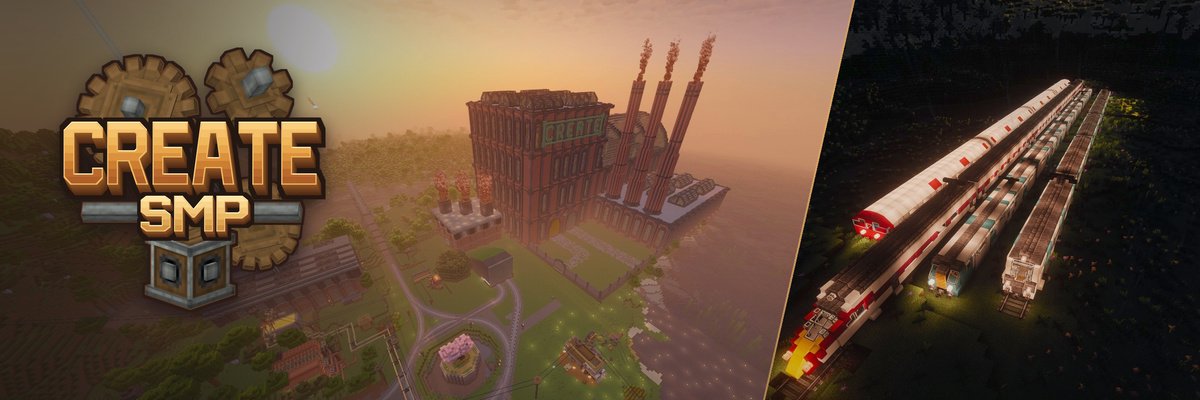
Create-SMP
Build a factory, run a railway, or take your own airship up for its first flight. Create-SMP Season 2 is a free, whitelist-based survival server for Minecraft Java 1.21.1 (NeoForge), built around Create 6 and Create: Aeronautics. Start with a workshop of your own or join a town and help build something bigger.
Build, fly and trade
- Factories and automation. Turn raw materials into finished goods with Create’s belts, presses, mixers and mechanical systems. Set up a production line or supply other players through your shop.
- Railways and airships. Connect bases with train lines, stations and freight routes, or build and pilot a ship with Create: Aeronautics.
- Player-run Shopping District. Rent a shop plot, stock it with what you make and trade in the shared economy. Browse other players’ shops for supplies and parts for your next build.
- Dedicated Mining World. Take your drills to a separate resource world and bring materials back for your projects in Survival.
Make yourself at home
Protect your base with FTB Chunks, give teammates access through FTB Teams, and use proximity voice chat to coordinate builds in-game. You can browse the live 3D map to explore the world between sessions. Community events bring players together, and helpers are available through Discord if you get stuck.
Join Season 2
Apply in #apply-here on Discord and use the personal setup link you receive after approval. Install the official Season 2 modpack on CurseForge, then connect to play.create-smp.com and pick your world from the Lobby. The joining guide walks you through setup.
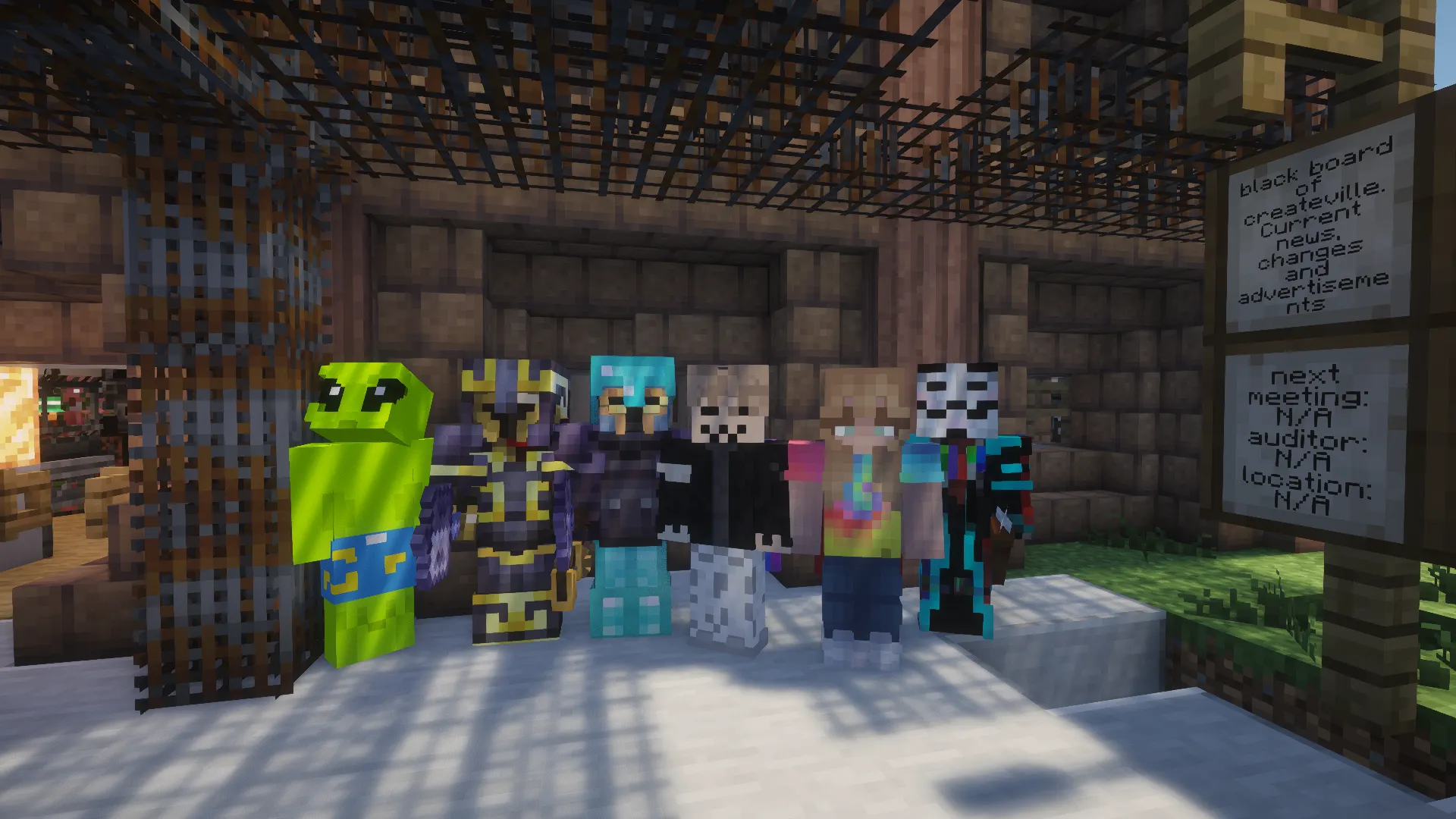
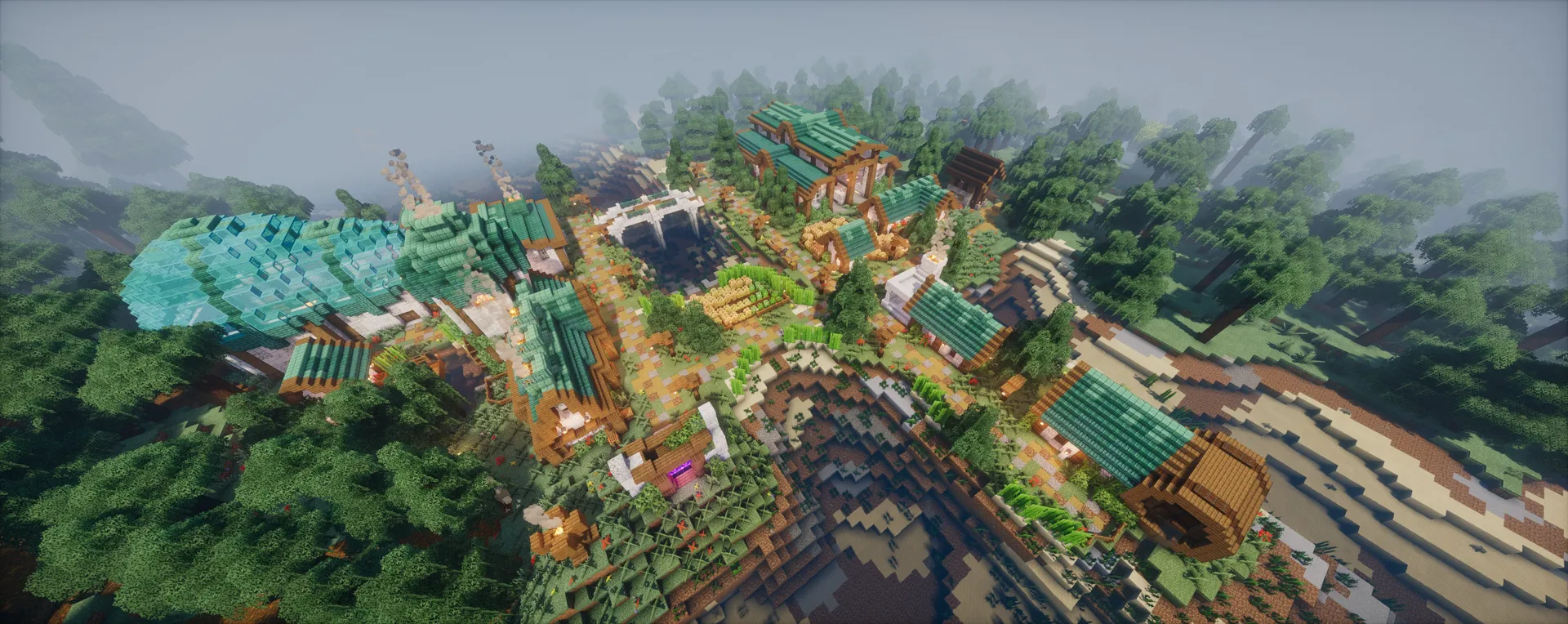
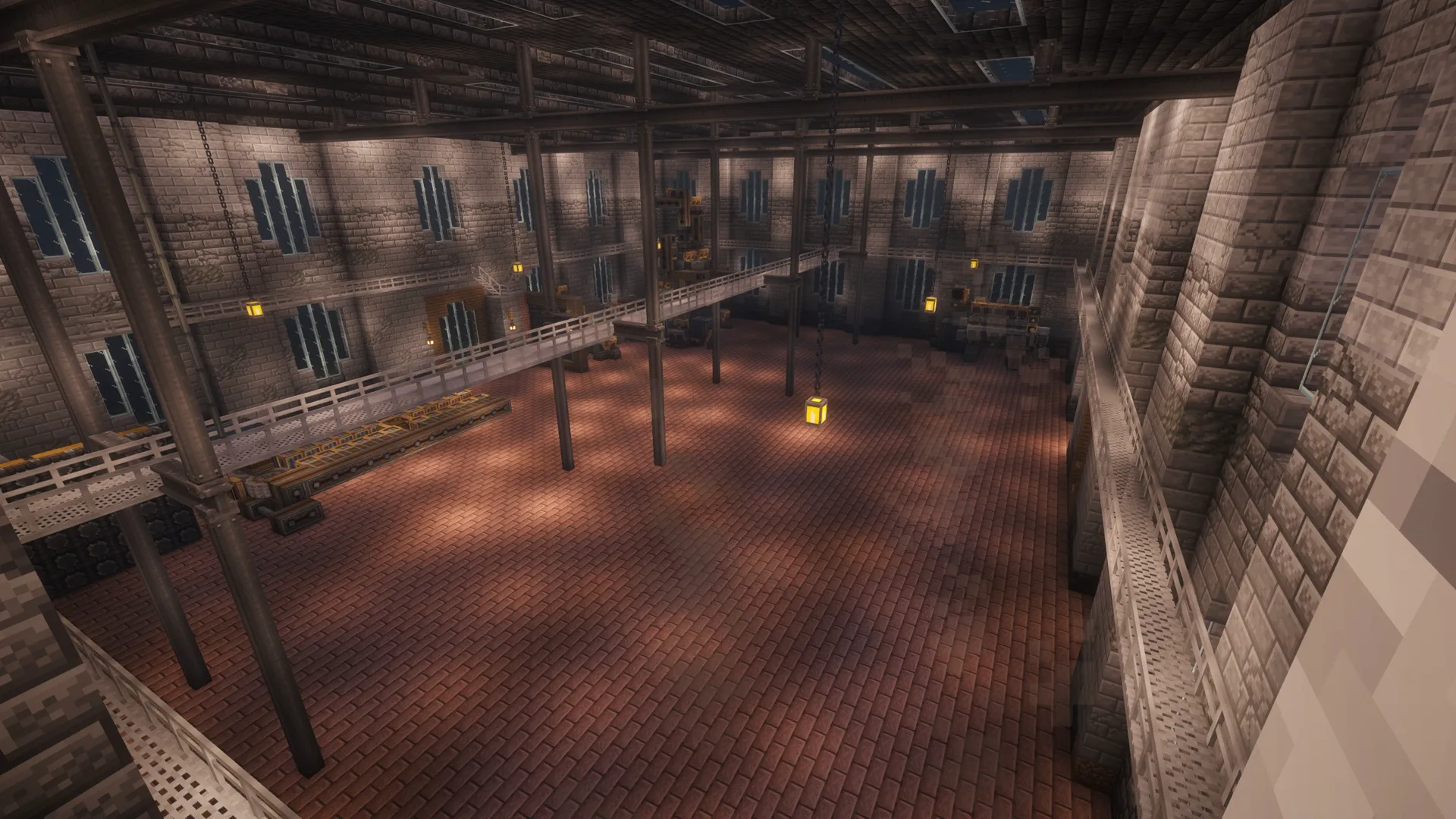
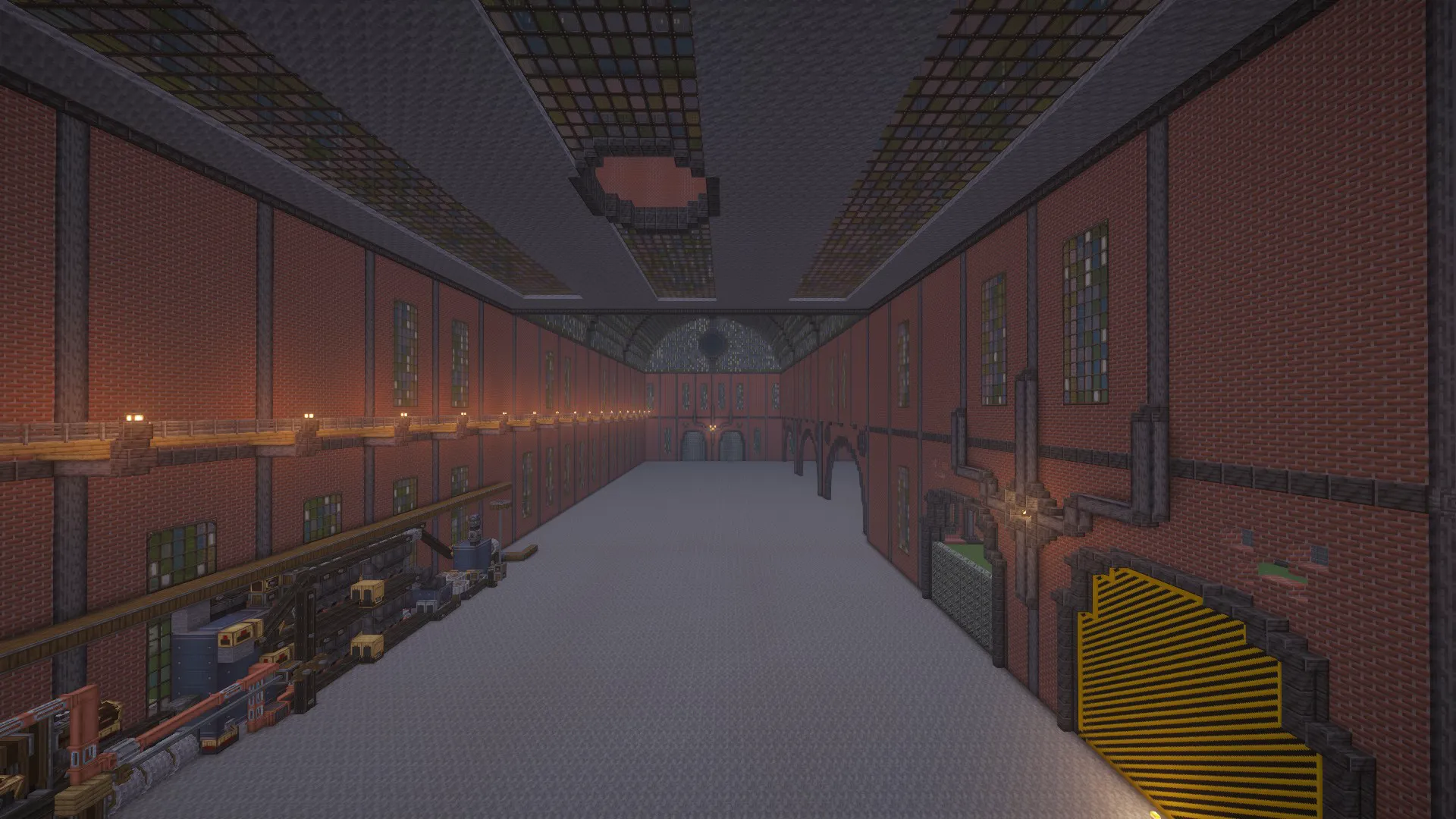
Gallery




How to Join
- Download and install the official Season 2 modpack from CurseForge: https://www.curseforge.com/minecraft/modpacks/play-create-smp-season-2
- Join our Discord: https://discord.gg/c7jP8SwPHe
- Apply in the apply-here channel and complete the personal Minecraft account link sent by the bot.
- Launch the complete modpack without updating individual mods.
- Add play.create-smp.com to Multiplayer and join the server.
play.create-smp.com
Modpack Downloads
Frequently Asked Questions
How are servers ranked and sorted?
By default, servers are sorted by vote count. You can change the sort order with the filters in the sidebar:
- Votes: Servers with the most votes in the last 30 days appear first. Tied servers are ranked by online player count.
- Players: Servers with the most online players appear first.
- Newest: Most recently added servers appear first.
- Name: Alphabetical order.
How does voting work?
Voting uses the Votifier protocol to deliver your vote directly to the Minecraft server. When you vote:
- You enter your Minecraft username.
- We verify the username exists through the Mojang API.
- Your vote is sent to the server via Votifier (an encrypted network packet).
- The server receives the vote and can reward you in-game.
Each player can vote once per day per server. If the Votifier packet cannot be delivered (e.g. the server is offline), the vote is rejected.
Servers that have not configured Votifier will still appear in the directory but voting will be unavailable for them.
Vote counts use a rolling 30-day window. A vote stops counting 30 days after it was cast, so the ranking reflects recent activity rather than all-time totals.
What Votifier mods/plugins are available for my server?
To receive votes, your server needs a Votifier-compatible mod or plugin installed. Here are the actively maintained options:
Bukkit / Spigot / Paper
- NuVotifier. The most popular Votifier plugin. Also supports BungeeCord, Velocity, and Sponge. (GitHub)
- AzuVotifier. A modern NuVotifier fork with additional platform support including Fabric, Folia, and Sponge 11. (GitHub)
- VotifierPlus. An alternative with simpler setup. Supports BungeeCord and Velocity.
Fabric / Quilt
- NuVotifier-Fabric. NuVotifier implementation for Fabric. Actively maintained with broad version support. (GitHub)
- Votifier for Fabric. A Fabric/Quilt port with built-in command-based rewards. (CurseForge)
- AzuVotifier. Also supports Fabric 1.21.10+ (experimental).
NeoForge / Forge
- Votifier for NeoForge. A NeoForge port with built-in command-based rewards. (CurseForge)
After installing a Votifier mod, you will need to enter your server's Votifier host, port, and public key on the Edit Server page. If using NuVotifier v2, also enter the token for HMAC authentication.
How do you track server status and player counts?
We use the Minecraft Server List Ping (SLP) protocol to periodically check each server. This is the same protocol the Minecraft client uses when you add a server to your multiplayer list.
Each ping tells us:
- Whether the server is online or offline
- Current number of online players
- Maximum player capacity
We do not receive a list of individual player names from the ping, only the total count. This is a read-only, non-intrusive check that requires no mods or plugins on the server.
To validate individual players (e.g. when voting), we use the Votifier protocol instead. See the voting FAQ below for details.
How do I add my server?
Adding your server is free and straightforward:
- Go to the Add Your Server page.
- Fill in your server name, description, address, and other details.
- Create an account (or log in if you already have one) so you can manage your listing later.
- Optionally configure Votifier so players can vote for your server.
- Submit for review. All listings are reviewed before being published.
Once approved, your server will appear in the directory and players can find it through search and filters. You can edit your listing at any time from your account.