

FactorySMP
FactorySMP is a friendly Create survival server on Minecraft Java 1.21.1 (NeoForge). It's free, there's no whitelist and no application form. Install the modpack in one click and you can be at spawn a few minutes later.
Season 1 · fresh world · modpack 1.18.2 · 219 mods
What you can do
- Create 6 factories – belts, presses, mixers, deployers, packages, stock tickers and frogports. Addons include Enchantment Industry, Slice & Dice, Create Deco, Copycats+ and Crafts & Additions.
- Airships that actually fly – Create: Aeronautics brings real flight physics. Build a hull, add balloons, propellers and thrusters, and take off. Gyroscopes, joysticks and radar are in too.
- Trains across the map – tracks, stations, timetables and freight, plus couplers, semaphores and extra track styles from Steam 'n' Rails.
- Big Cannons – artillery you load, aim and fire. Bolt it onto your airship if you like.
- Coins and trading – Create: Numismatics coins from airdrops and bosses, spent at player vending machines.
- And more – ComputerCraft, Simple Voice Chat, Distant Horizons, Farmer's Delight, Cataclysm bosses, Sophisticated Backpacks, ParCool and Xaero's maps.
Server features
- Claims for airships and trains –
/sp claimprotects what you built. Unclaimed ships are fair game, so claim early. - Airdrops – every now and then a raid horn sounds and a locked supply crate parachutes down near players. Get there first, crack the 3x3 keypad and grab the loot (Create parts, cannon shells, levitite, and with some luck netherite or an elytra). Runs server-side, nothing extra to install.
- No Man's Land – an optional PvP dimension behind a netherite-frame portal. PvP is always on there, claims don't protect, mobs hit harder and Cataclysm bosses drop coins. The land resets every night at 03:30 CET; airships, portals and chests stay. The overworld stays peaceful.
- Fair play – eight short rules, griefing and cheating get rolled back, admins are around.
- Help – our Discord has an AI helper that answers modpack questions in seconds.
Java Edition only. The server is in Germany (EU), but everyone is welcome. Any language is fine as long as you're friendly.
Gallery
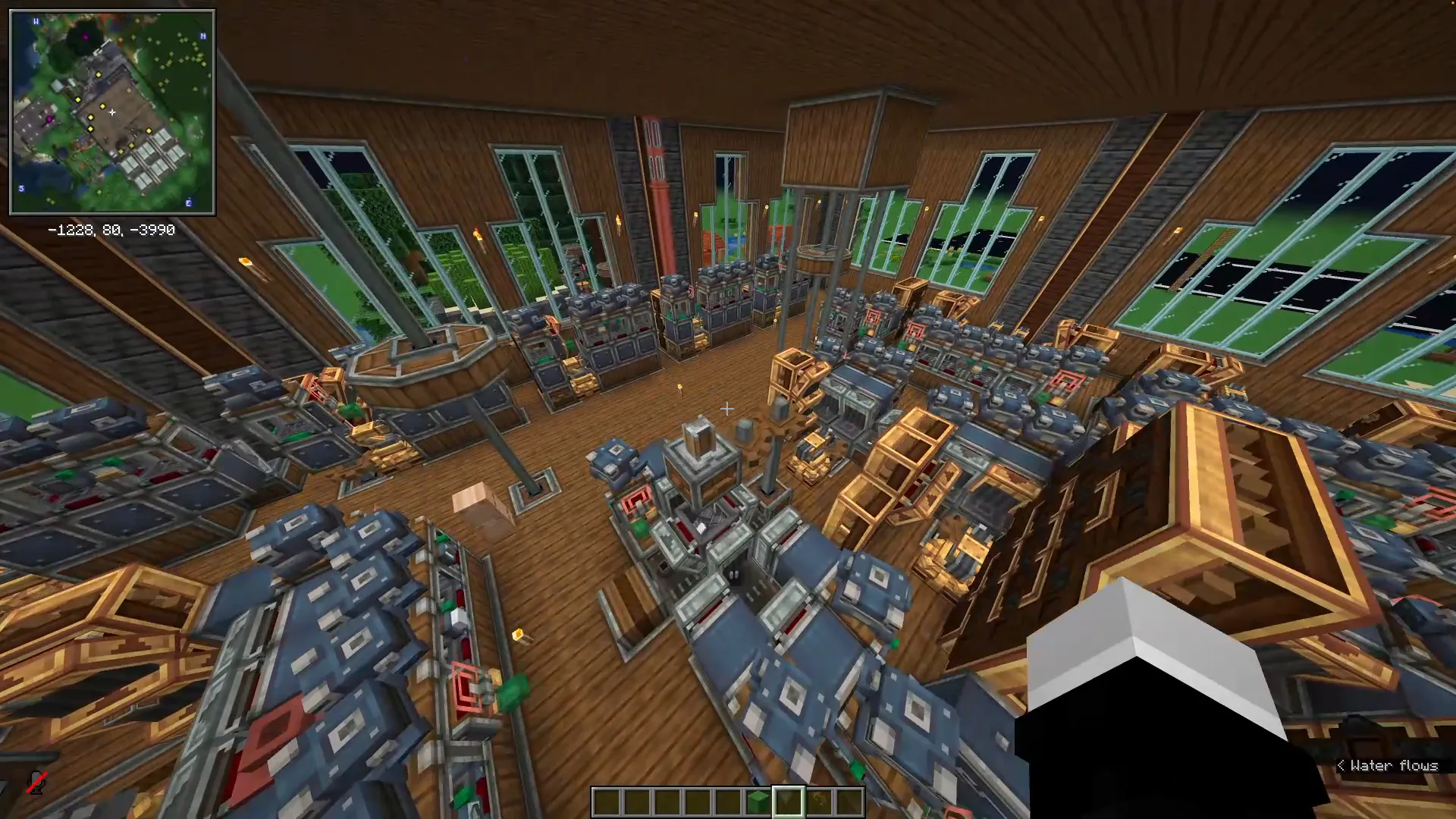
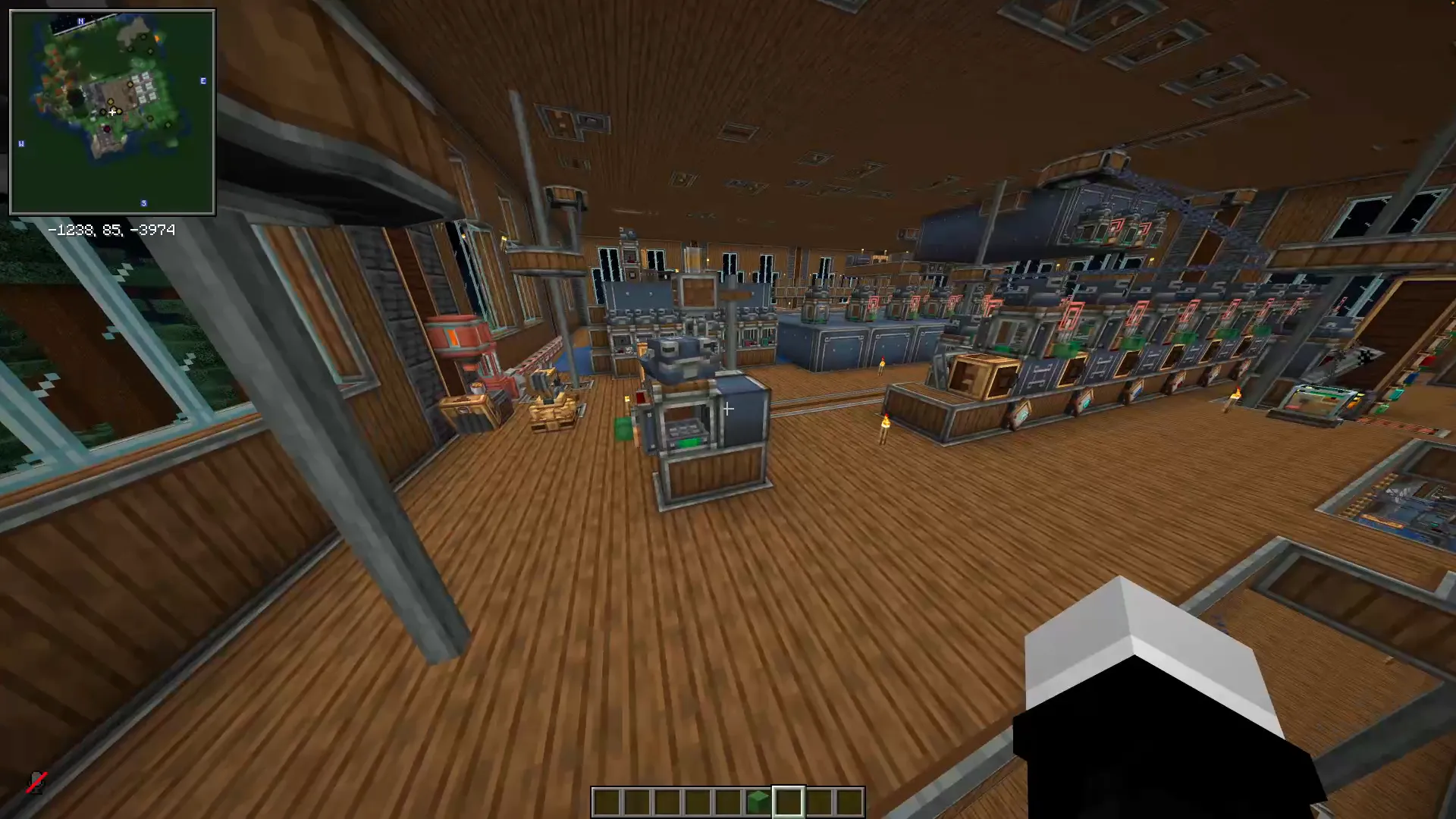
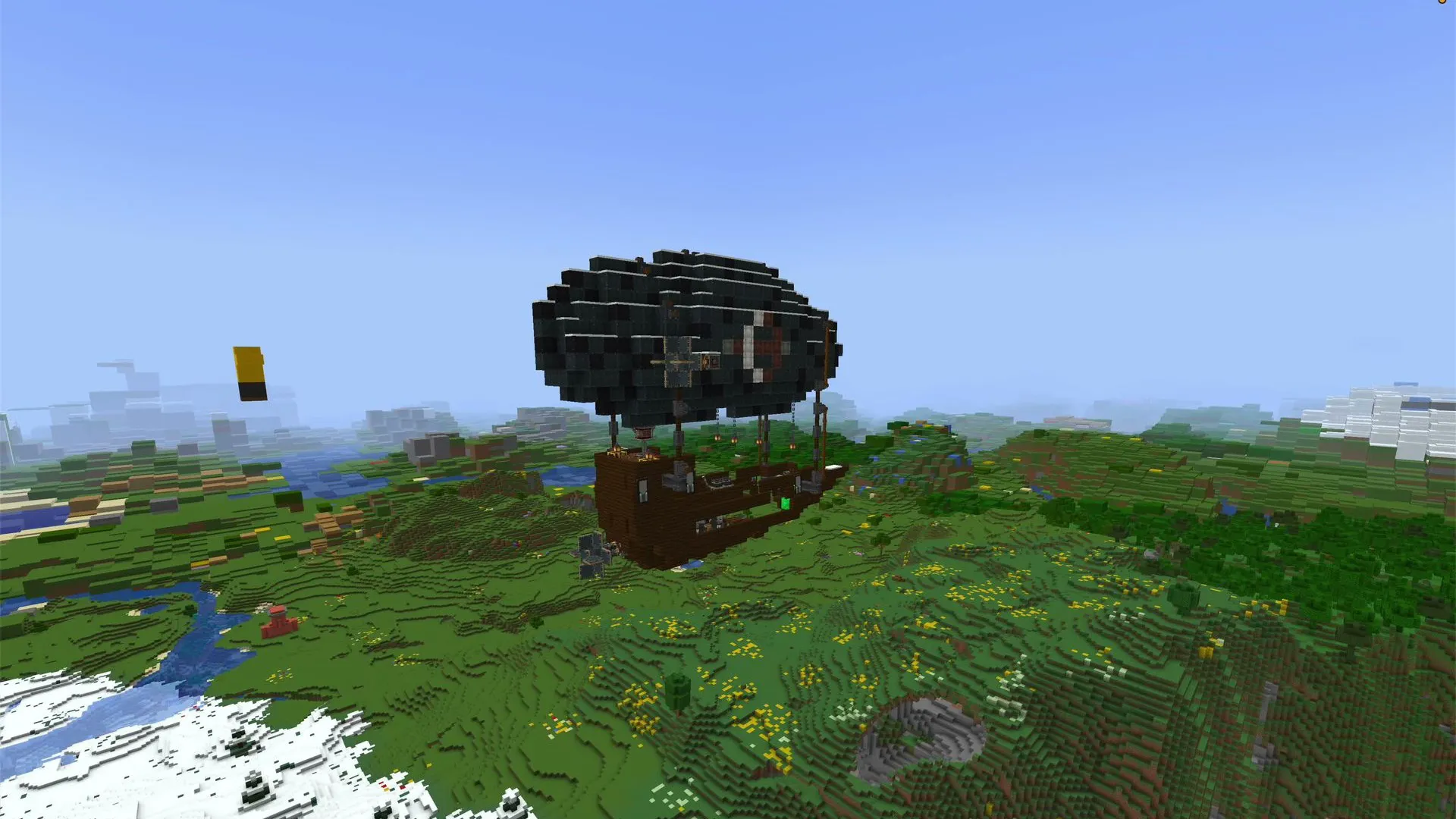
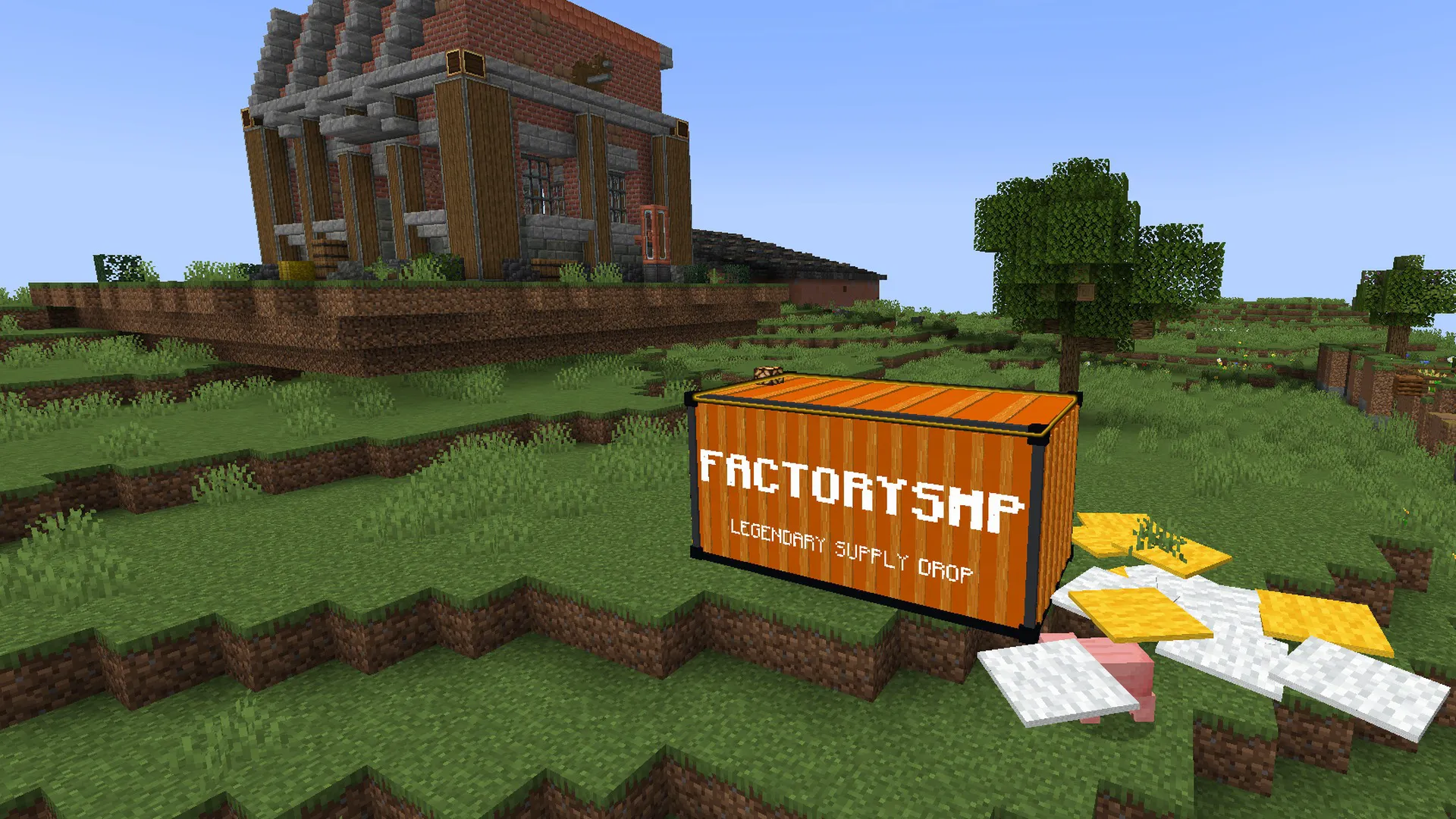
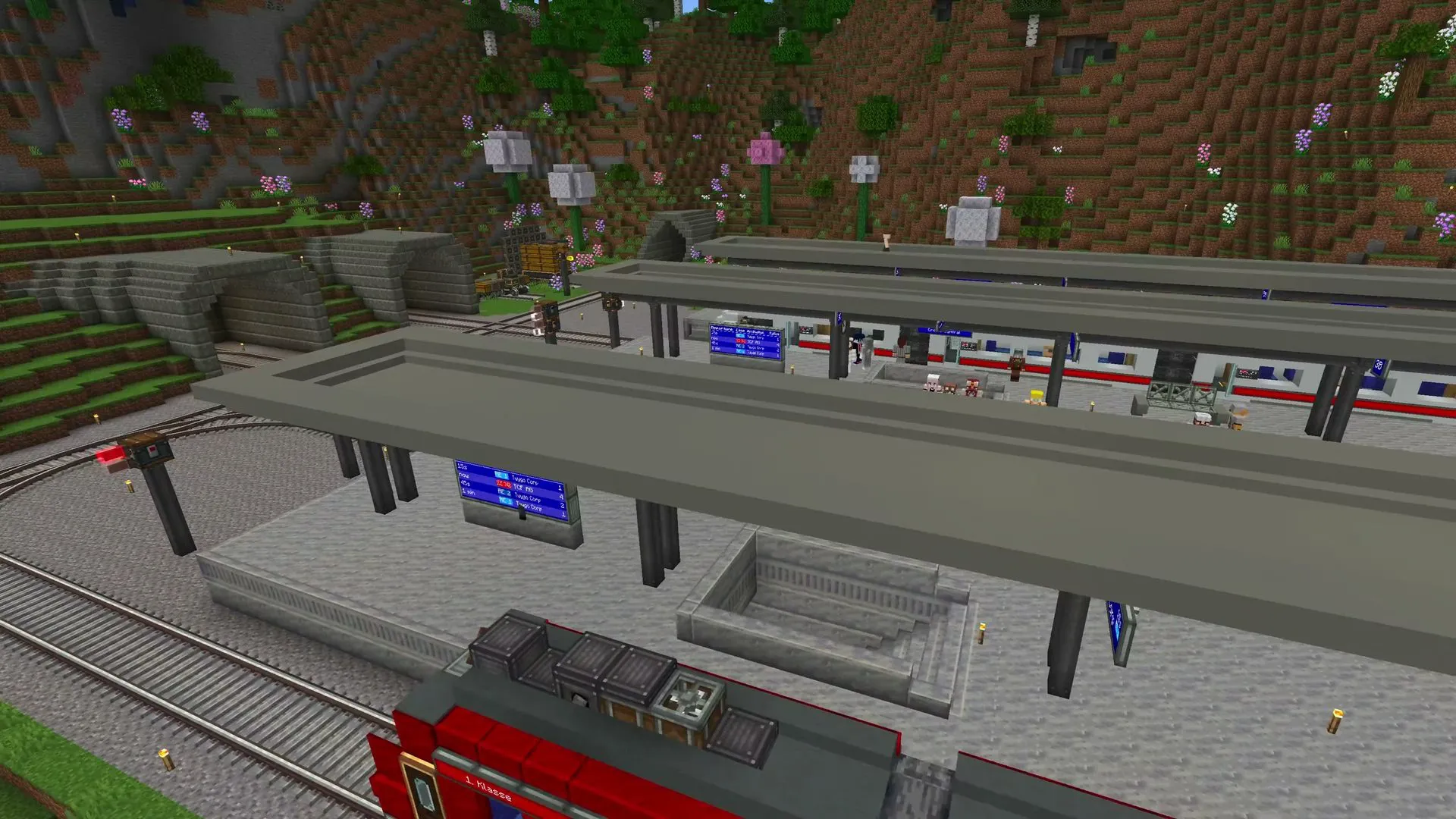
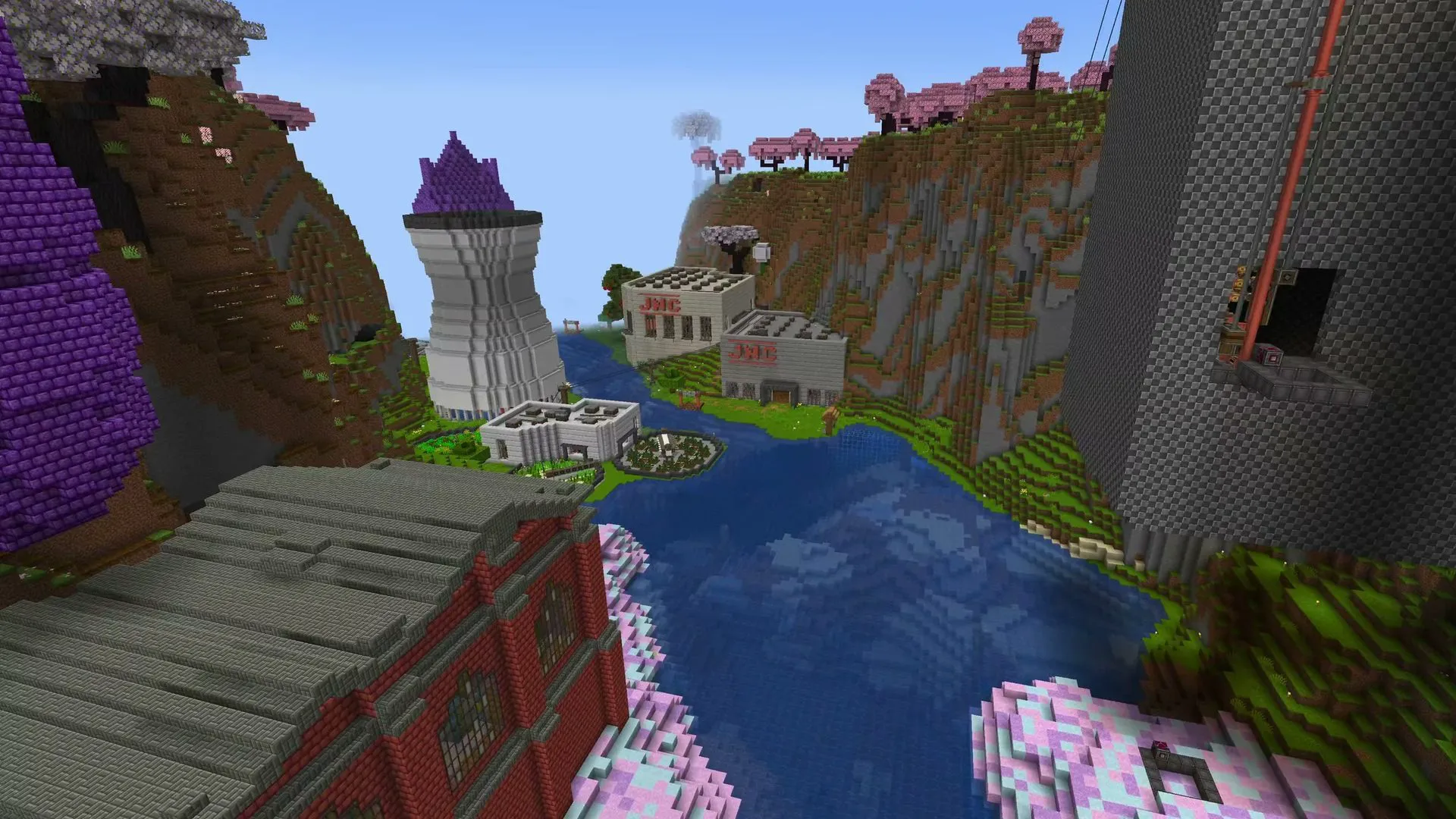
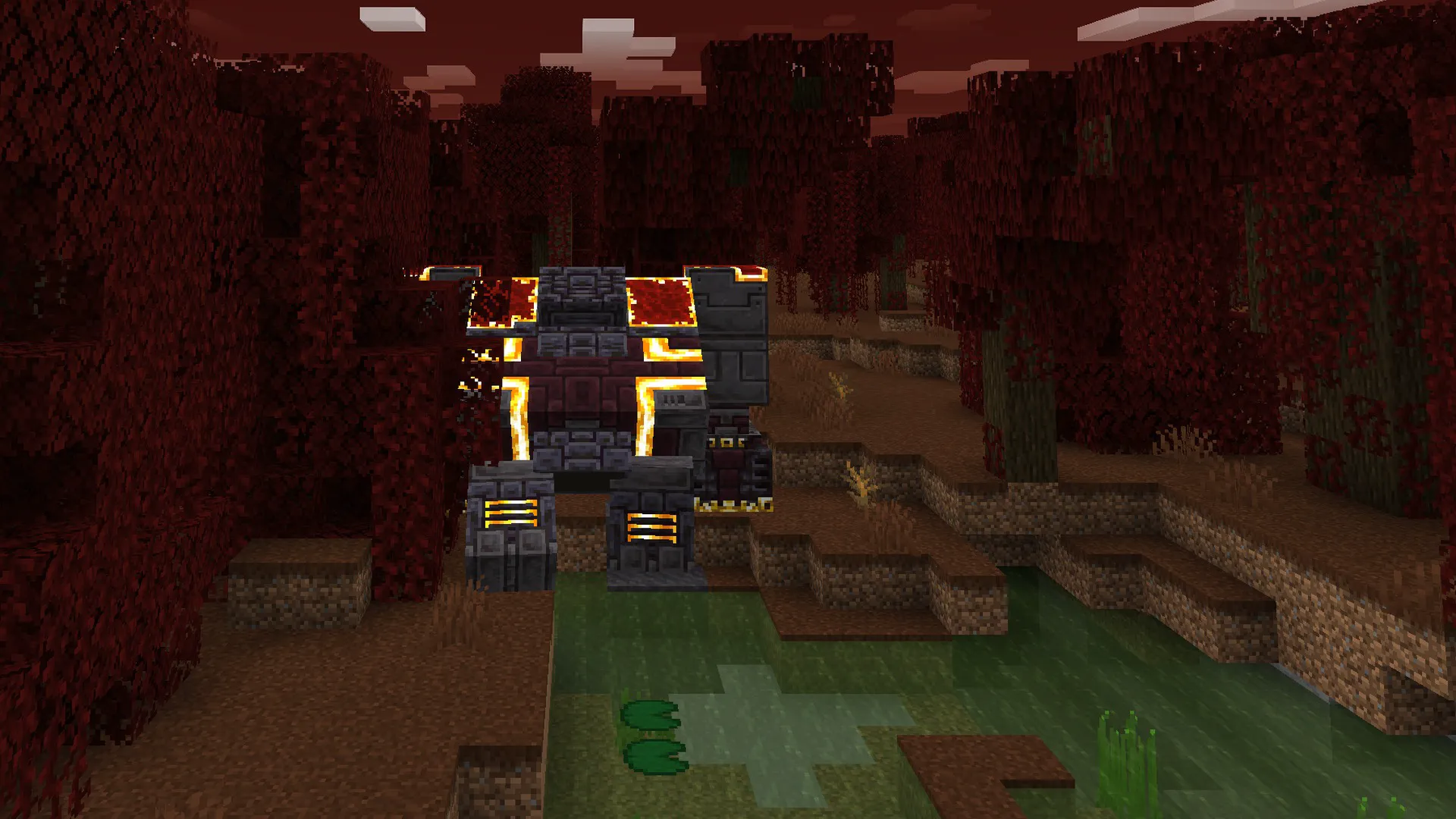
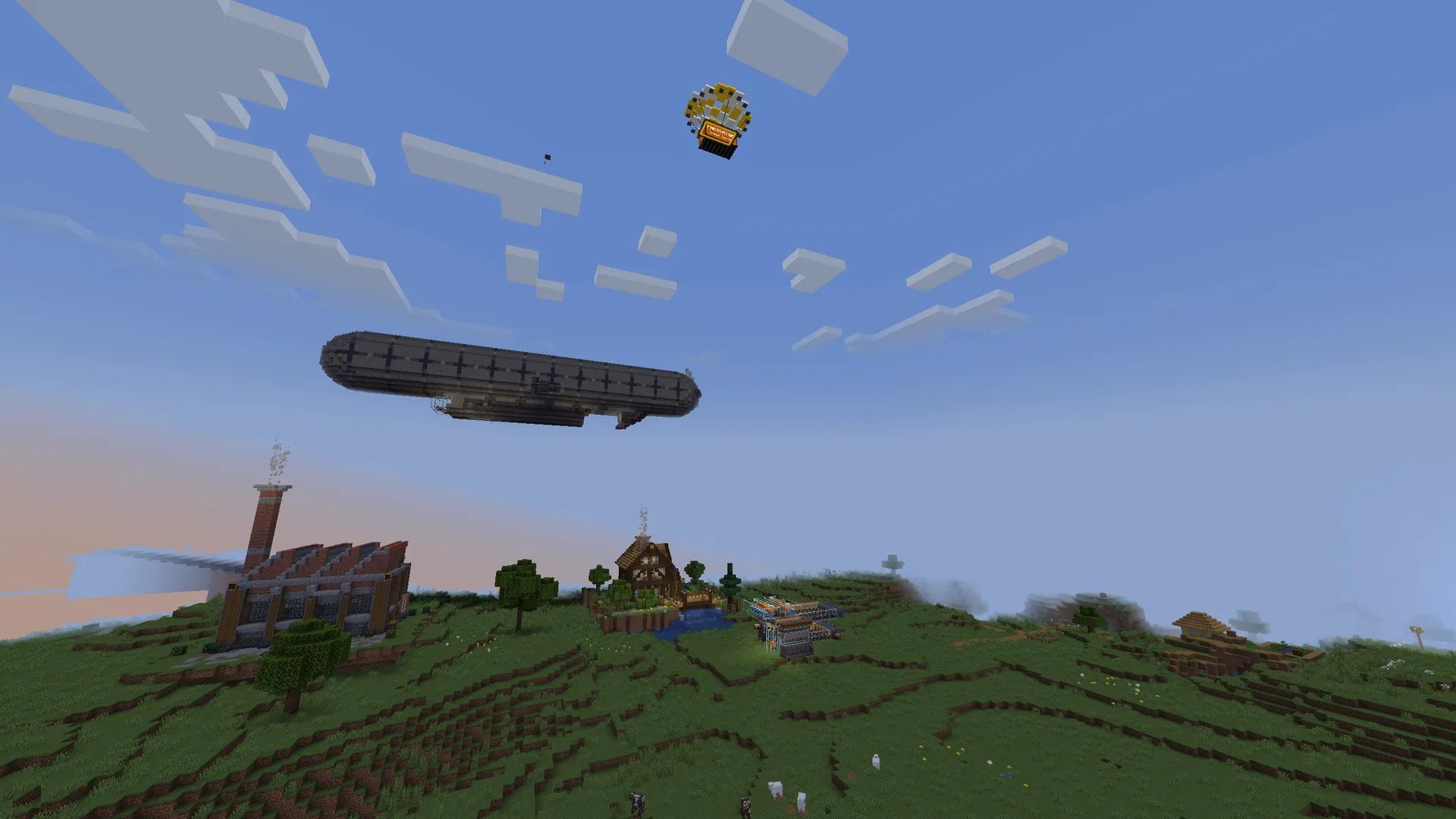
How to Join
- Get the free Modrinth App.
- Download FactorySMP.mrpack from https://factorysmp.net and drag it into the app (or
+> Import from file). - Give the profile 4-6 GB of RAM (never more than half of your computer's RAM).
- Launch, go to Multiplayer > Add Server and enter
factorysmp.net(direct address:play.factorysmp.net:23456). The first start takes a few minutes. - Say hi in our Discord: https://discord.gg/ycDR7EWNXj
play.factorysmp.net:23456
Frequently Asked Questions
How are servers ranked and sorted?
By default, servers are sorted by vote count. You can change the sort order with the filters in the sidebar:
- Votes: Servers with the most votes in the last 30 days appear first. Tied servers are ranked by online player count.
- Players: Servers with the most online players appear first.
- Newest: Most recently added servers appear first.
- Name: Alphabetical order.
How does voting work?
Voting uses the Votifier protocol to deliver your vote directly to the Minecraft server. When you vote:
- You enter your Minecraft username.
- We verify the username exists through the Mojang API.
- Your vote is sent to the server via Votifier (an encrypted network packet).
- The server receives the vote and can reward you in-game.
Each player can vote once per day per server. If the Votifier packet cannot be delivered (e.g. the server is offline), the vote is rejected.
Servers that have not configured Votifier will still appear in the directory but voting will be unavailable for them.
Vote counts use a rolling 30-day window. A vote stops counting 30 days after it was cast, so the ranking reflects recent activity rather than all-time totals.
What Votifier mods/plugins are available for my server?
To receive votes, your server needs a Votifier-compatible mod or plugin installed. Here are the actively maintained options:
Bukkit / Spigot / Paper
- NuVotifier. The most popular Votifier plugin. Also supports BungeeCord, Velocity, and Sponge. (GitHub)
- AzuVotifier. A modern NuVotifier fork with additional platform support including Fabric, Folia, and Sponge 11. (GitHub)
- VotifierPlus. An alternative with simpler setup. Supports BungeeCord and Velocity.
Fabric / Quilt
- NuVotifier-Fabric. NuVotifier implementation for Fabric. Actively maintained with broad version support. (GitHub)
- Votifier for Fabric. A Fabric/Quilt port with built-in command-based rewards. (CurseForge)
- AzuVotifier. Also supports Fabric 1.21.10+ (experimental).
NeoForge / Forge
- Votifier for NeoForge. A NeoForge port with built-in command-based rewards. (CurseForge)
After installing a Votifier mod, you will need to enter your server's Votifier host, port, and public key on the Edit Server page. If using NuVotifier v2, also enter the token for HMAC authentication.
How do you track server status and player counts?
We use the Minecraft Server List Ping (SLP) protocol to periodically check each server. This is the same protocol the Minecraft client uses when you add a server to your multiplayer list.
Each ping tells us:
- Whether the server is online or offline
- Current number of online players
- Maximum player capacity
We do not receive a list of individual player names from the ping, only the total count. This is a read-only, non-intrusive check that requires no mods or plugins on the server.
To validate individual players (e.g. when voting), we use the Votifier protocol instead. See the voting FAQ below for details.
How do I add my server?
Adding your server is free and straightforward:
- Go to the Add Your Server page.
- Fill in your server name, description, address, and other details.
- Create an account (or log in if you already have one) so you can manage your listing later.
- Optionally configure Votifier so players can vote for your server.
- Submit for review. All listings are reviewed before being published.
Once approved, your server will appear in the directory and players can find it through search and filters. You can edit your listing at any time from your account.